
We went out to do some grocery shopping last night and came back to an upset young man. Apparently the XBox 360 that we’ve had for some 5-6 years finally bit the dust – posting an “E-74” error on the screen and displaying the dreaded red ring around the power button. The worst part of all was that my son had been playing his new Skyrim game over the holidays and was fretting over the thought that he’d just lost all of his hard work. The new XBox 360’s won’t accept the older externally mounted hard drives from the older units – what to do? No worries though…Dad to the rescue!
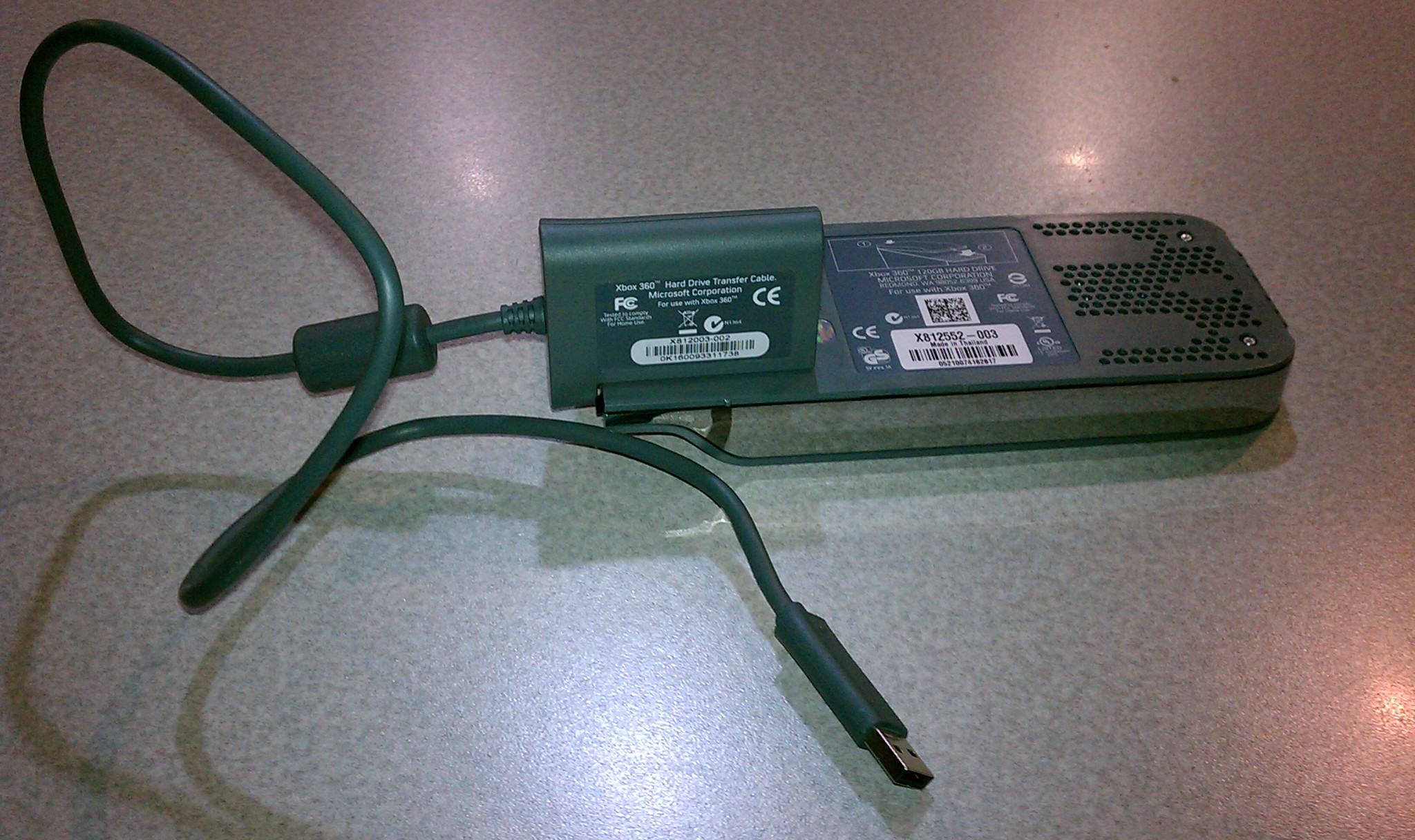
Fortunately, I had upgraded our systems hard drive from the original 20Gig HDD to a much beefier 120Gig HDD a few years back. The new drive came with an XBox 360 hard disk transfer cable, which has a special attachment on one end that snaps onto the external HDD connector and which has a USB connector on the other end. Once we got a new XBox 360 (the other one was probably 6+ years old) it was a simple matter to plug the old XBox hard drive into the USB port on the front of the new XBox and transfer the user accounts, avatars, videos and yes, game settings and saved games over to the new console. Problem solved and the son is downstairs swinging his broad sword and saving the world from Orcs…although he smells like a wet werewolf at the end of some of his quests ;?)
 CPU Guru